The Physical Media Metadata Enrichment Protocol: Cataloging for Longevity
Why Your Collection Needs a Metadata Upgrade
We live in an era where digital streaming platforms curate our tastes with algorithms, often resulting in a shallow relationship with the media we own. When you collect physical media—be it vinyl, Blu-rays, or rare books—you aren't just hoarding objects; you are curating a personal archive. However, the biggest threat to this collection is not decay, but anonymity. When you cannot find what you own, you stop engaging with it. This protocol is designed to help you regain control over your physical library by implementing a robust metadata system that marries analog charm with digital efficiency.
By treating your collection as a database rather than a static storage unit, you unlock the ability to rediscover forgotten gems, track your listening or viewing habits, and ensure that your collection reflects your evolving identity. The following steps will guide you through the process of tagging, indexing, and maintaining your library so that every item has a place and a purpose.
Phase 1: The Initial Triage and Physical Audit
Before you can catalog, you must know exactly what exists in your space. Start by removing all media from their shelves. This 'zero-state' approach is essential for identifying duplicates, damaged cases, or items that no longer align with your interests. As you handle each item, perform a basic assessment of its physical condition. Is the disc scratched? Is the book binding loose? Is the sleeve torn?
- Create a 'keep', 'donate', and 'repair' pile.
- Record the total count of items per category (e.g., Jazz, Sci-Fi, Indie Rock).
- Use a simple adhesive dot system to mark items that require immediate repair or cleaning before they are integrated back into the shelf.
The goal of an audit is not to make your collection smaller, but to make it intentional. If an item does not spark curiosity or serve a specific purpose, it is merely occupying space that could be used for something you truly value.
Phase 2: Implementing the Metadata Schema
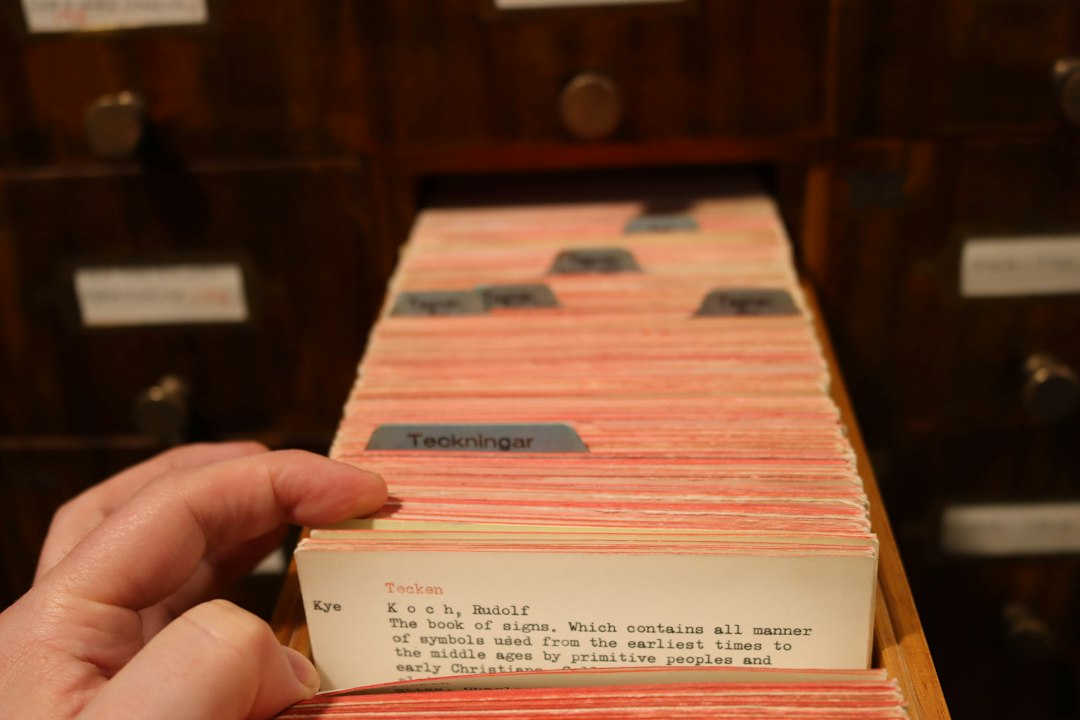
Once your items are audited, you need a way to track them. While complex database software exists, a hybrid approach is often more sustainable for enthusiasts. We recommend using a spreadsheet or a dedicated app like Discogs or Libib, supplemented by physical index cards kept at the end of each shelf section. This provides a 'searchable' layer while maintaining the tactile experience of your library.
- Assign a unique identifier or category code to each shelf section.
- Input the core metadata: Title, Creator, Year of Release, and Genre.
- Add 'Custom Tags' that are meaningful to you, such as 'Mood: Melancholic,' 'Purchase Location,' or 'Format: First Pressing.'
- Place a small index card at the start of each shelf section listing the key sub-genres contained within.
Phase 3: The Maintenance Feedback Loop
A collection is a living entity. If you do not update your metadata, the system will break down within months. The key is to implement a 'Metadata Buffer'—a small box or tray near your storage area where new acquisitions go before they are officially added to the database. Never put a new item on the shelf until it has been tagged in your digital system and indexed in your physical list.
Set aside 30 minutes every two weeks for a 'Collection Sync.' During this time, update your spreadsheet with new acquisitions, remove items you have sold or gifted, and address any pending repairs from your audit phase. This routine transforms the act of organizing from a chore into a meditative ritual of reflection.
Common Mistakes and Expert Tips
Avoid the pitfall of 'over-categorization.' Many collectors spend more time building complex databases than actually enjoying their media. Keep your metadata schema simple; if you find yourself spending more than 5 minutes per item, you are doing too much. Focus on the data points that actually help you find what you want to experience in the moment.
- Tip: Use color-coded spine labels for quick visual sorting by genre.
- Tip: Keep a small notebook in your 'Media Room' to jot down notes or memories associated with specific items.
- Tip: If you use a digital app, export your data to a CSV file every quarter as a backup.
By shifting your perspective from simple storage to active management, you turn your collection into a curated experience. This protocol ensures that your physical media remains a source of joy and discovery rather than a neglected corner of your home.